
Self-Hosted Media Servers Meet Online Players: A Modern Streaming Architecture
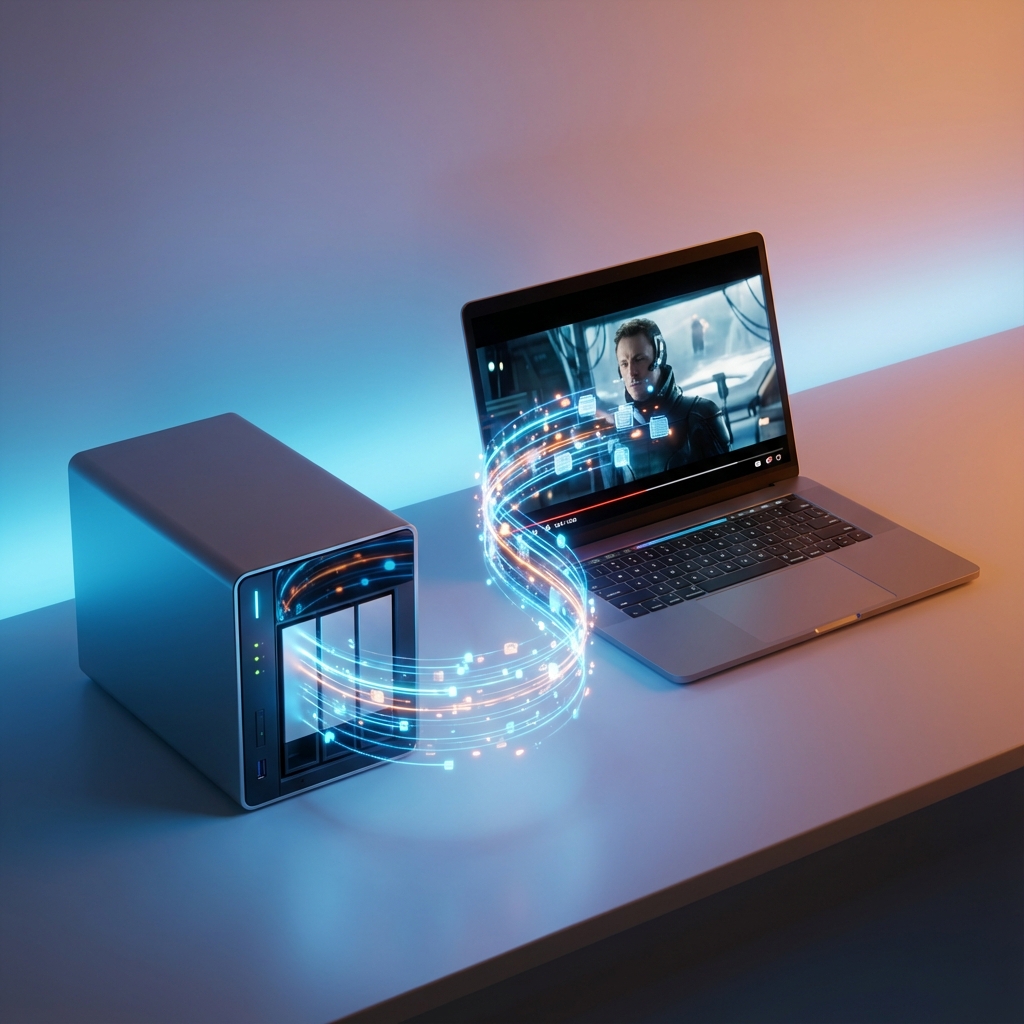
For years, the self-hosted media landscape has been dominated by monolithic solutions like Plex, Jellyfin, and Emby. These platforms are powerful, but they require a heavy server footprint: databases, transcoding engines, and dedicated client apps for every device.
In 2025, a lighter, more modular architecture is gaining traction: The Decoupled Streaming Stack.
This approach separates your Storage Layer (OpenList, AList, FileBrowser) from your Playback Layer (a stateless web player). The result? A system that runs on a Raspberry Pi, requires zero client installation, and respects your privacy.
The Architecture: Storage vs. Playback
1. The Storage Layer: OpenList / AList
Tools like OpenList (a fork of AList) act as a unified API gateway for your files. They don't try to be a media server; they simply expose a standardized file system API.
- Backends: Map local NAS folders, S3 buckets, or cloud drives (Google Drive, Dropbox) into a single directory tree.
- Protocol: Serves files via HTTP/WebDAV with support for
Rangerequests (crucial for streaming). - Resource Usage: Extremely low. Can run on a router or a $5 VPS.
2. The Playback Layer: OnlinePlayer
Instead of a dedicated app, use a lightweight Web Application like OnlinePlayer.
- Client-Side Logic: Decodes video, manages playlists, and handles subtitles directly in the browser.
- Direct Connection: The player connects directly to your OpenList server. Traffic does not pass through any third-party backend.
- Format Support: Optimized for browser-native formats like MP4 and WebM. Note that raw MKV or AVI files may not play directly in all browsers without server-side transcoding.
Why Choose a Decoupled Stack?
| Feature | Monolithic (Plex/Jellyfin) | Decoupled (OpenList + Web Player) |
|---|---|---|
| Setup | Complex (Database, Transcoding) | Simple (Docker container + Web URL) |
| Client | Requires App Install | Any Web Browser |
| Privacy | Metadata often scraped/shared | Private (Direct HTTP connection) |
| Transcoding | Server-side (CPU/GPU heavy) | Client-side (Browser capabilities) |
| Metadata | Automatic Posters/Cast | File-system based (What you see is what you have) |
This setup is ideal for users who prioritize speed and control over algorithmic recommendations and poster walls.
Implementation Guide
Let's build a setup where you can watch movies stored on your home NAS from any browser on your customized domain.
Step 1: Deploy OpenList
Run OpenList in Docker to expose your media folder.
docker run -d --name openlist \
  -v /mnt/user/movies:/movies \
  -p 5244:5244 \
  openlistteam/openlist:latest
Ensure your router forwards port 5244 (or uses a reverse proxy like Nginx) if you want remote access.
Step 2: Connect the Application
OnlinePlayer has a built-in integration client for OpenList/AList APIs. This allows it to browse your directory structure without needing to copy-paste links manually.
- Open OnlinePlayer.
- Select "Cloud/Server" or the OpenList icon.
- Enter your server URL (e.g.,
https://nas.yourdomain.com). - Enter your authentication token (if configured).
Step 3: browsing and Streaming
Once connected, your file hierarchy appears instantly.
- Click a folder to navigate.
- Click a video file (e.g.,
.mp4) to add it to the active playlist.
- Play: The browser begins streaming immediately.
Technical Considerations for Smooth Streaming
Because this stack relies on the client (browser) rather than server-side transcoding, keep these factors in mind:
1. Network Bandwidth
Since the server sends the original file, your upload speed (at home) must match the video's bitrate.
- 1080p H.264: Requires ~5-10 Mbps upload.
- 4K HEVC: Requires ~25-50 Mbps upload.
2. Codec Compatibility
Most modern browsers (Chrome/Edge/Safari) support H.264 and AAC natively.
- HEVC/H.265: Supported on modern hardware (Chrome 107+, Safari).
- DTS Audio: often problematic in browsers; AAC or AC3 is preferred.
3. Security
Never expose a raw HTTP file server to the open internet without protection.
- Use HTTPS: Configure a reverse proxy (Caddy/Nginx) with Let's Encrypt.
- Token Auth: Ensure your OpenList instance requires a password or token for access.
Conclusion
The decoupled streaming stack represents a return to simplicity. By combining a robust file gateway like OpenList with a capable web-only player, you build a media system that is portable, private, and maintenance-free.
No databases to corrupt, no transcoding buffers to stall—just your files, delivered directly to your screen.